Find your inspiration.
Choose a drawing from the collection, import a favorite photo, or take a new one.
Start with something you loveA blank page is just the beginning. Turn your camera into an AR drawing guide, follow the lines, and create something that feels like you.
For iPhone & iPad · Free download, in-app purchases
Your phone guides.
Your hands create.
MADE FOR YOUR NEXT
“I drew that.”
LESS GUESSWORK. MORE DRAWING.
You don’t need to know every technique.
Just pick an image and take it one line at a time.
Choose a drawing from the collection, import a favorite photo, or take a new one.
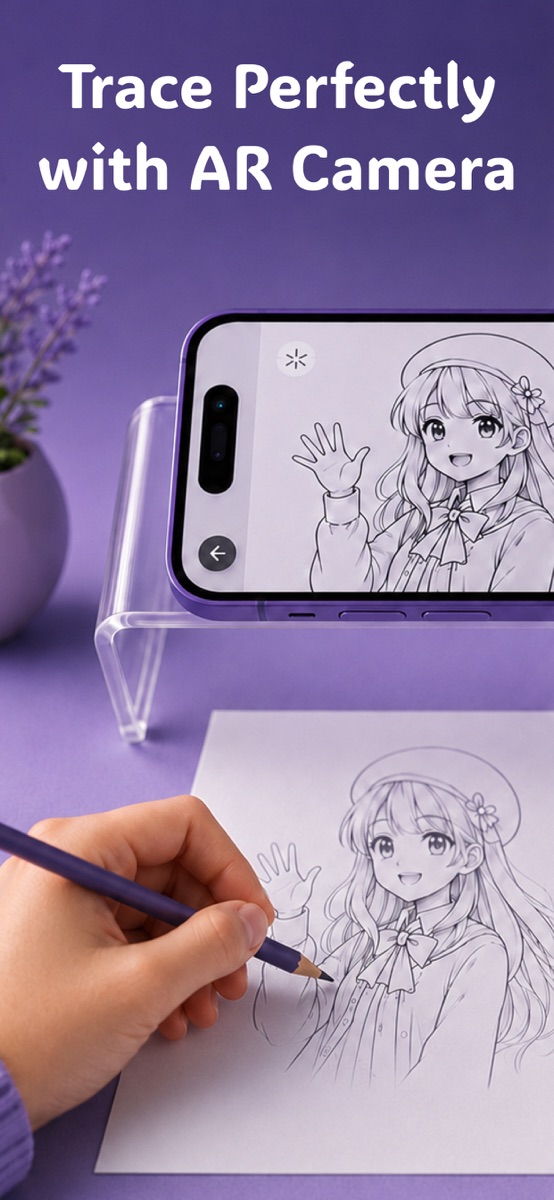
Start with something you lovePlace your phone on a stable stand above your paper. Adjust the overlay opacity until the reference and your pencil marks are easy to see.
Your camera becomes your guideLook through your screen and follow the reference on the paper below. Go slowly, add your own details, and enjoy the process.
One line leads to the nextA quick note: The guide appears on your phone screen through the camera. It does not project light onto your paper.
A LITTLE HELP GOES A LONG WAY
Simple tools that keep the focus
where it belongs: on your drawing.
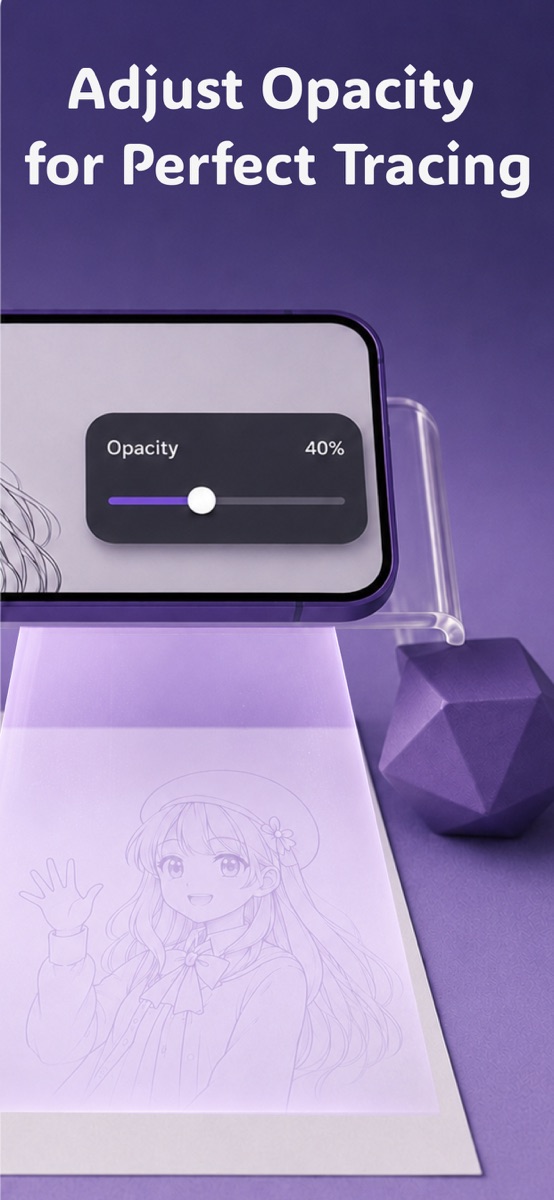
See your image over the camera view while you sketch. Adjust the opacity to find a comfortable balance between the guide and your own lines.
Bring in your own photos, capture a new reference, and explore drawing-style filters before you start.
Photo import & drawing filtersFrom people and animals to architecture and space, explore a subject that makes you want to pick up a pencil. Save the images you love to your favorites.
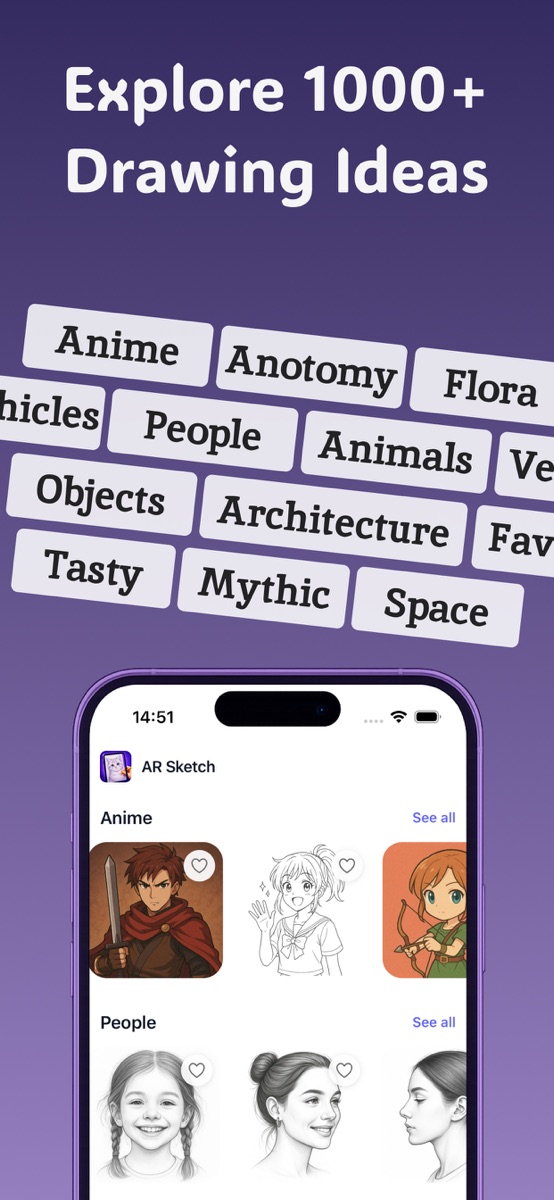
STRAIGHT FROM THE APP
MEET YOUR DRAWING PROJECTOR APP
Drawing Projector: AR Sketch brings a reference image into your phone’s camera view, giving you a visual guide as you draw on real paper.
Use it to explore shapes, practice proportions, or try a subject you’ve never sketched before. Trace the outline, then experiment with shading, color and your own finishing touches.
Explore the app on the App StoreA FEW THINGS TO KNOW
Answers before your first sketch.
The app places a reference image over the live camera view on your phone. With your phone supported above the page, you look at the screen and follow the guide while drawing on the paper underneath.
No. The image is visible on your phone’s screen, combined with the camera view. It is a tracing guide, not a light projector. You’ll need to look through the screen as you draw.
Yes. You can import a picture from your gallery or take a photo in the app. Drawing-style filters and opacity controls help you prepare a reference for tracing.
A compatible iPhone or iPad, paper, a pencil and a stable phone stand or holder. Work on a well-lit surface and keep your device steady so the reference stays aligned with your page.
The app is free to download and offers in-app purchases. Check the App Store and the purchase screen in the app for the available options and current pricing in your region.
Yes. Camera guidance can make it easier to get started with outlines and proportions. Try a simple reference first, work slowly, and gradually move to more detailed subjects as you practice.
Drawing Projector: AR Sketch is available for iPhone and iPad. The current App Store listing requires iOS 15.1 or iPadOS 15.1 or later. See the listing for full compatibility details.
YOUR NEXT SKETCH STARTS HERE
Pick up a pencil. We’ll help with the first lines.
Get Drawing Projector: AR SketchFor iPhone & iPad · Free download, in-app purchases